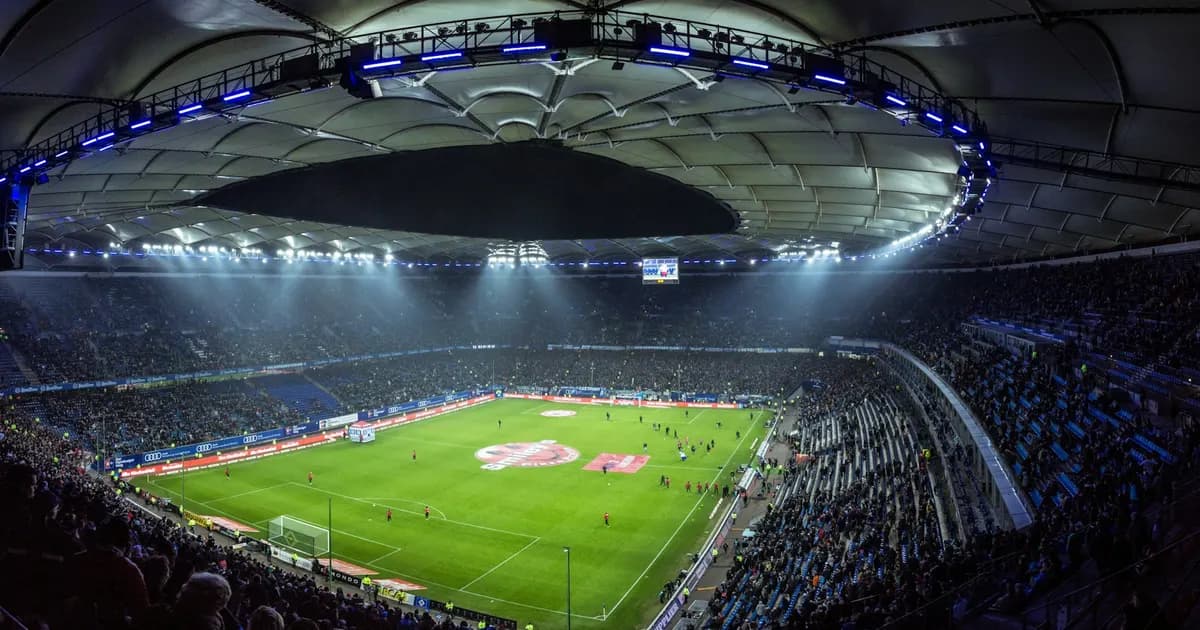
Nothing ruins a championship game faster than seeing your phone buzz with a goal notification twenty seconds before the play happens on your television. Or worse: watching the screen freeze into an endless buffering wheel right as a decisive penalty kick is taken.
What Is 4K Live IPTV?
4K live IPTV is the real-time transmission of linear television broadcasts at Ultra High Definition resolution (3840 × 2160 pixels) delivered over IP networks.
Unlike traditional cable or satellite television, where signals are blasted across fixed coaxial lines or orbital transponders, live IPTV delivers content as a continuous packet stream directly to your streaming device or smart TV.
| Technical Dimension | Video on Demand (VOD) 4K | 4K Live IPTV |
|---|---|---|
| Encoding Process | Multi-pass pre-encoding over hours | Single-pass real-time hardware encoding |
| Server Caching | Static files stored on edge CDNs | Dynamic chunks refreshed every 1–2 seconds |
| Client Buffer Capacity | 30 to 90 seconds stored in RAM | 2 to 8 seconds (live real-time limit) |
| Concurrent Load | Dispersed across millions of movies | Thundering Herd (all tune in simultaneously) |
| Packet Loss Sensitivity | Low (buffer masks drops) | Extreme (dropped packets cause micro-freezes) |
Why Live Sports Demand 60 FPS (And Why Most Feeds Fail)
When shopping for live TV services, consumers often obsess over resolution: "Is it 4K or 1080p?" However, for live sports, frame rate (frames per second, or FPS) is far more critical than pixel count.
Movies are recorded at 24 fps, where natural motion blur adds an artistic feel. But during high-speed sports—such as hockey pucks travelling at 100 mph, football passes spiraling downfield, or motorsport cars cornering at 180 mph—a 25 or 30 fps stream causes severe visual degradation:
- • Ball Ghosting: Rapidly moving balls appear to duplicate or leave a faint visual trail across the grass.
- • Judder During Fast Panning: When the stadium camera sweeps sideways across the pitch, the entire grandstand stutters and shakes.
- • Eye Fatigue: The human visual cortex works harder to interpolate missing frames, causing eye strain during a 90-minute match.
A native 4K stream locked at 30 fps looks jerky during rapid action. By contrast, a broadcast delivering 60 frames per second refreshes the screen every 16.6 milliseconds, rendering rapid movement with smooth fluidity.
For a detailed breakdown on distinguishing authentic Ultra HD from upscaled 1080p feeds, explore our guide on IPTV 4K bitrates and stream verification.
The "Spoiler Problem": Broadcast Latency & How to Fix It
There is no feeling quite like watching an international tournament final only to hear your neighbors cheering 30 seconds before your stream shows the goal. This discrepancy is known as glass-to-glass latency: the elapsed time from a stadium camera capturing action to the image rendering on your television panel.
| Transport Protocol | Average Latency | Stability Over Wi-Fi | Ideal Setup |
|---|---|---|---|
| MPEG-TS (Direct Stream) | 4 – 8 seconds | Moderate | Ethernet setups on Firestick / Android TV |
| Low-Latency HLS (LL-HLS) | 3 – 6 seconds | High | Modern sports streaming matching cable |
| Standard HLS (adaptive streaming) | 30 – 60 seconds | Very High (large safety cache) | Mobile devices on cellular networks |
Budget IPTV services slice streams into 6-second or 10-second chunks. Because players require three segments before starting playback, the stream begins life with an automatic 30-second delay. Premium providers utilize direct MPEG-TS or Low-Latency HLS to bring delay down to near-cable parity.
Network and Bandwidth Benchmarks for 4K Live Feeds
A continuous live stream cannot pause to buffer when family members start browsing or gaming. Here are realistic bandwidth allocations:
Defeating Game-Day ISP Throttling
If your stream runs smoothly on Tuesday afternoon but freezes repeatedly during Sunday football, your ISP is likely executing Deep Packet Inspection (DPI) to throttle sustained 25+ Mbps video transfers.
Running an encrypted VPN protocol (such as WireGuard) prevents your provider from inspecting video packet headers, ensuring full line speeds throughout peak matches. For complete network troubleshooting steps, read our guide on how to fix IPTV buffering and freezing.
Hardware & Player Recommendations for 4K Live Playback
Processing 60 frames per second at 3840×2160 requires dedicated video silicon. We recommend these tested setups:
Nvidia Shield TV Pro & Apple TV 4K
Elite performance tier with Gigabit Ethernet, hardware HEVC Main 10 decoding, and zero dropped frames.
Amazon Fire TV Stick 4K Max (Gen 2)
Best value streaming stick with Wi-Fi 6E, hardware AV1/HEVC support, and smooth 60fps rendering.
Generic $20 Android TV Sticks
Avoid for live 4K. Lacks licensed hardware decoders; thermal throttling causes audio sync lag and stutters.
To pair your device with the right player application, see our head-to-head comparison of IPTV player guide, or follow our Firestick 4K IPTV setup tutorial.