Fast internet does not guarantee a smooth live event. Plenty of people with big plans still watch the spinning wheel at the worst moment. If you want to know how to watch live events online without buffering, the answer is less about speed and more about timing and preparation, so this guide is laid out as a timeline you can follow on the day.
Why Live Events Buffer More Than Normal Viewing
On-demand video can load a long way ahead, so a short network dip goes unnoticed. Live video cannot, because the next few seconds do not exist yet. Your player holds only a small cushion, and when the connection slows, that cushion empties quickly.
Big events add a second problem: demand. Millions of people press play in the same minute, which strains servers, internet providers and the Wi-Fi in your own home. You cannot control the first two, but you can control your home network and your habits. For a deeper technical walk-through of the usual causes, see our guide on how to fix IPTV buffering.
How to Watch Live Events Online Without Buffering: The Timeline
The day before
- Run a speed test on the same network and device you will use, at the same time of day as the event. Evening speeds are often lower than morning speeds.
- Update your player and your streaming device now. An update that starts ten minutes before kickoff is the last thing you need.
- Log in and watch a few minutes of live video to confirm everything works, including sound.
One hour before
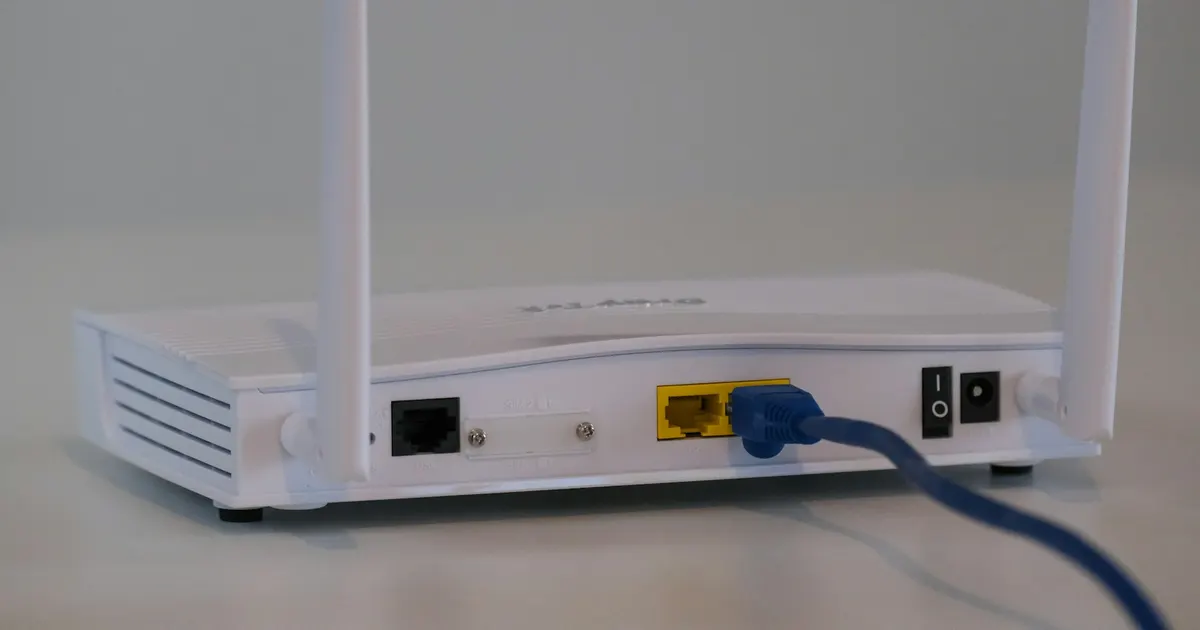
- Plug the streaming device or TV into your router with an Ethernet cable if you can. A wire avoids the interference that Wi-Fi picks up from walls, neighbors and microwaves.
- Restart the router and the streaming device. This clears memory and stale connections.
- Tell the household that the event is on. Pause large downloads, game updates and cloud backups.
Ten minutes before
- Open the channel early and let it sit. Opening your stream before the crowd arrives avoids the rush of everyone connecting at once.
- Pick a quality level you can hold. Stable HD beats 4K that keeps dropping.
- Keep your phone hotspot ready as a backup path.
During the event
- Do not keep changing channels or restarting the app. Each restart opens a new connection and resets your cushion of buffered video.
- If the picture stalls for a moment, wait ten to fifteen seconds before acting. Short dips often recover on their own.
- If it stalls repeatedly, lower the quality one step, or switch to the backup connection.
Afterwards
- Note what happened and when. If the same time of evening is always slow, that points to network congestion, which you can raise with your internet provider.
Budget Your Bandwidth for Game Day
The FCC broadband speed guide gives these download speeds per video stream. The guide assumes one activity at a time, so treat them as the floor, not the target.
| Video quality | Guide speed per stream |
|---|---|
| Standard definition | 3 to 4 Mbps |
| HD | 5 to 8 Mbps |
| 4K | 25 Mbps |
Hosting a watch party with two or three screens running? Add the speeds together and leave extra room for phones and laptops on the same Wi-Fi. If you have more screens than your connection can feed, put the most important one on the cable and lower the quality on the others. If your plan covers several rooms, our guide to best IPTV for sports explains how to set up a multi-screen home, and sports on IPTV covers what the viewing experience involves.
If the Stream Stalls Mid-Event
- Wait briefly. Give it ten to fifteen seconds. Many short dips recover without help.
- Lower the quality one step. A slightly softer picture is better than constant freezing.
- Switch to your backup connection. Your phone hotspot is the quickest way to find out whether the problem is your home network.
- Restart only as a last resort. Restarting the app resets your cushion of video.
Watching away from home? Hotel networks have extra rules, which we cover in how to watch IPTV while traveling. And if the picture itself looks wrong rather than slow, our checklist of best picture settings for 4K HDR streaming can help. Our IPTV 4K guide explains why 4K asks more of your connection.
Conclusion
Knowing how to watch live events online without buffering is mostly about doing the boring things early: test, wire up, pause the household downloads, and open your stream before the crowd. You still cannot control every link in the chain, but you can control the ones that matter most at home. When you want a plan that fits your home, see the View TV IPTV plans, or browse our setup guides to get your device ready. Running more than one screen? Read how to watch sports on multiple TVs at home, or host guests with our tips to watch live events at a party.