In modern broadcast operations, hospitality television networks, and enterprise streaming headends, live visual media travels as packetized digital data across standard Ethernet infrastructure. Here is the definitive engineering guide to IPTV encoders: comparing HDMI vs. SDI inputs, hardware ASICs vs. software servers, H.264 vs. H.265 codecs, and SRT vs. UDP multicast transport protocols.
The Engineer's Encoder Scorecard
- Hardware ASICs Deliver Sub-100ms Latency: Dedicated silicon eliminates OS overhead and prevents frame drops during live sports.
- H.265 Cuts Network Load by 50%: Delivers pristine 1080p 60 FPS at 4.0–6.0 Mbps and enables true 4K HDR IPTV broadcasting.
- UDP Multicast for LAN / SRT for Internet: Use IGMP multicast for internal hotels and stadiums; use SRT with ARQ packet recovery across public WANs.
- Strict CBR Prevents Switch Buffer Overruns: Constant bitrate encoding and locked 48 kHz audio prevent lip-sync drift and switch congestion.
What Is an IPTV Encoder and How Does It Work?
At its core, an iptv encoder is a specialized appliance or high-performance software system that captures an uncompressed video and audio signal from a physical source and transforms it into a standards-compliant IP network stream.
The Digital Signal Conversion Pipeline
An uncompressed 1080p 60 FPS video feed traveling through an HDMI or 3G-SDI cable carries a raw data throughput of approximately 3 gigabits per second (Gbps). A 4K UHD 60 FPS signal over 12G-SDI pushes approximately 12 Gbps.
No commercial local area network or residential internet connection can deliver raw gigabit video directly to end-user displays. The IPTV encoder performs a continuous three-stage mathematical pipeline:
- Digital Baseband Capture: Captures raw raster frames from physical HDMI, SDI, or IP contribution interfaces (NDI, SMPTE ST 2110).
- Video Compression: Analyzes spatial redundancies within individual frames and temporal redundancies across sequential frames using modern compression algorithms (H.264/AVC or H.265/HEVC). This stage reduces a 3 Gbps raw signal down to 4 to 15 megabits per second (Mbps)—a data reduction exceeding 99%—while preserving visual sharpness.
- MPEG-TS Encapsulation: Wraps compressed elementary video and audio streams into standard MPEG Transport Stream packets and transmits them over network layers via protocols such as UDP Multicast, SRT, RTSP, or RTMP.
Hardware Encoders vs. Software Encoders: The Headend Dilemma
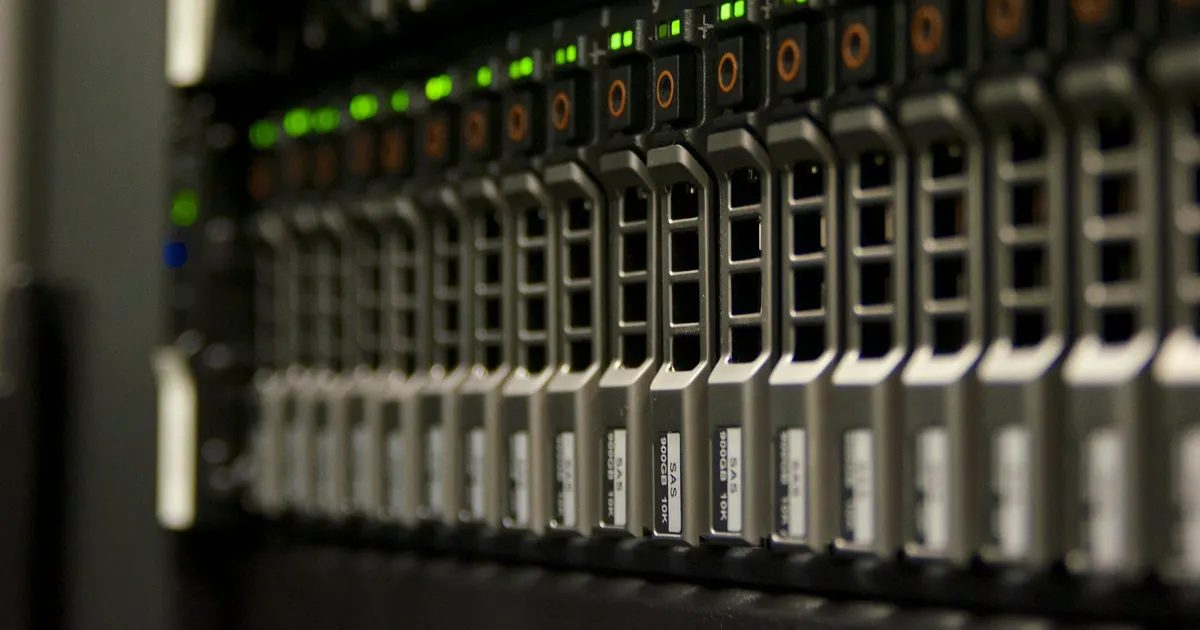
When architecting a broadcast headend or video distribution network, systems engineers must weigh dedicated standalone hardware units against software-driven server solutions.
- • Zero operating system overhead and minimal heat dissipation (5W–15W per channel).
- • Mission-critical reliability with mean time between failures (MTBF) exceeding 50,000 hours.
- • Glass-to-glass latency as low as 40 ms to 100 ms.
- • High rack density (up to 16 to 24 HDMI/SDI channels in a single 1U chassis).
- • Unmatched flexibility for multi-bitrate Adaptive Bitrate (ABR) ladders (HLS/DASH).
- • Dynamic transcoding of incoming satellite feeds into consumer-ready profiles.
- • Software upgradable to new codecs (such as AV1) without swapping physical silicon.
- • Higher power consumption (300W–600W) and susceptibility to OS kernel updates.
Hardware vs. Software Encoding Architecture Comparison
| Engineering Metric | Dedicated Hardware Appliance | Software Server Headend |
|---|---|---|
| Primary Processing Core | Dedicated ASIC / FPGA / SoC | Intel/AMD CPU + Nvidia GPU (NVENC) |
| Power Consumption | 5W – 15W per channel | 60W – 100W per channel |
| Operating System | Embedded RTOS / Micro-Kernel | Enterprise Linux (Ubuntu, Debian, RHEL) |
| Typical Latency | 40 ms – 150 ms | 300 ms – 1,500 ms |
| Rack Space Density | High (Up to 16–24 channels per 1U) | Medium (4 to 8 channels per 1U) |
| Best Deployment Scenario | Live sports venues, hotels, enterprise LAN | Mass consumer OTT apps, multi-device CDN distribution |
Physical Input Interfaces: HDMI vs. SDI vs. Analog
Selecting the right encoder depends heavily on the physical cabling and signal generation hardware at your ingest location.
HDMI 2.0 / 2.1: Consumer & Commercial Media Distribution
HDMI is universal across consumer set-top boxes, media players, digital signage units, and computers. HDMI 2.0 delivers uncompressed 4K at 60 FPS with full 4:4:4 color chroma sampling.
In commercial headend installations, engineers must account for High-bandwidth Digital Content Protection (HDCP). Professional encoders designed for enterprise distribution handle legitimate HDCP key handshaking across internal closed-circuit networks.
3G-SDI / 6G-SDI / 12G-SDI: The Broadcast Standard
Serial Digital Interface (SDI) is the broadcast gold standard for live sports, television studios, and remote production trucks:
- Locking BNC Connectors: Bayonet locking BNC connectors prevent cables from vibrating loose during mobile production.
- Long Cable Runs: Carries uncompressed digital video over 75-ohm coaxial cable up to 100 meters (330 feet) without external boosters.
- Ancillary Metadata: Natively embeds SMPTE timecode, EIA-608/708 closed captioning, and multi-channel uncompressed PCM audio into the video blanking interval.
Codec Compression Economics: H.264 (AVC) vs. H.265 (HEVC) vs. AV1
The choice of compression codec dictates your network switch infrastructure demands, storage overhead, and end-user device compatibility.
| Content Type | Recommended Codec | Target Bitrate Range | Network Load (100 Channels) |
|---|---|---|---|
| 720p 60 FPS News / Studio | H.264 | 2.5 – 4.0 Mbps | 250 – 400 Mbps |
| 1080p 60 FPS Fast Sports | H.264 | 8.0 – 12.0 Mbps | 800 – 1,200 Mbps |
| 1080p 60 FPS Fast Sports | H.265 (HEVC) | 4.0 – 6.5 Mbps | 400 – 650 Mbps (50% Savings) |
| 4K UHD 60 FPS HDR | H.265 (HEVC) | 15.0 – 25.0 Mbps | 1,500 – 2,500 Mbps |
For high-density sports networks, deploying H.265 compression is essential for live 4K live IPTV broadcasting without saturating network backbones.
Network Transport Protocols: Choosing the Right Streaming Pathway
An encoder does not simply transmit raw compressed video; it encapsulates video into specific protocol packets tailored for particular network environments.
The gold standard for internal enterprise, stadium, and hotel networks. The encoder outputs a single stream to a multicast IP address (`239.255.1.1:5000`). Network switches equipped with IGMP Snooping replicate packets only to active screens, supporting unlimited viewers with zero added bandwidth.
The modern replacement for satellite and leased fiber lines. Adds intelligent Automatic Repeat reQuest (ARQ) packet recovery on top of UDP to maintain sub-second latency across public unmanaged internet connections while tolerating up to 30% packet loss.
Critical Encoder Tuning: GOP, Bitrate, and PCR Jitter
Even an enterprise hardware encoder will deliver stuttering, out-of-sync television if configured incorrectly. Three mathematical parameters govern broadcast stability:
- Group of Pictures (GOP) Length: Set your GOP length to 1x or 2x the video frame rate (60 frames for a 60 FPS broadcast). Setting excessively long GOP intervals (such as 300 frames) forces end-users to wait up to five seconds for channel changes.
- Strict Constant Bitrate (CBR): While Variable Bitrate (VBR) is efficient for offline files, it causes severe switch buffer overruns during live sports. Always configure live encoders to Strict CBR.
- Program Clock Reference (PCR) Calibration: Ensure your encoder uses hardware-locked clock oscillators to stamp PCR packets with under ±500 nanoseconds of jitter, preventing lip-sync audio drift.
For client-side tuning and buffer optimization, explore our technical breakdown on how to fix IPTV buffering.